Frequently Asked Questions
What makes this the best Cat Gatekeeper alternative?
Unlike browser extensions that only block a few websites, Pawzy runs as a native desktop application. This means our screen hijacker can block you from doomscrolling on Twitter, but also stop you from playing Steam games, using Discord, or ignoring your work. It's inescapable.
How does it stop doomscrolling?
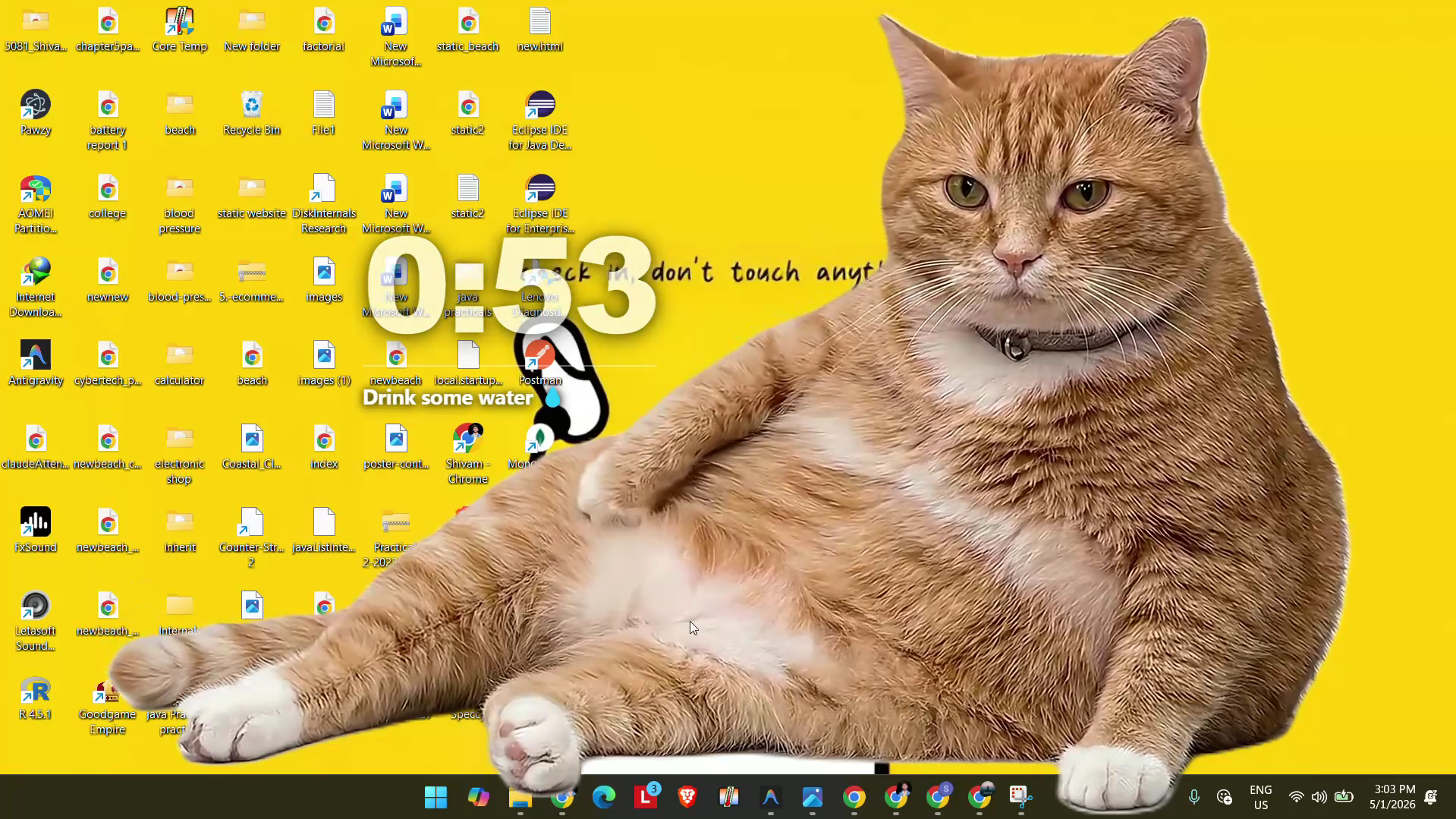
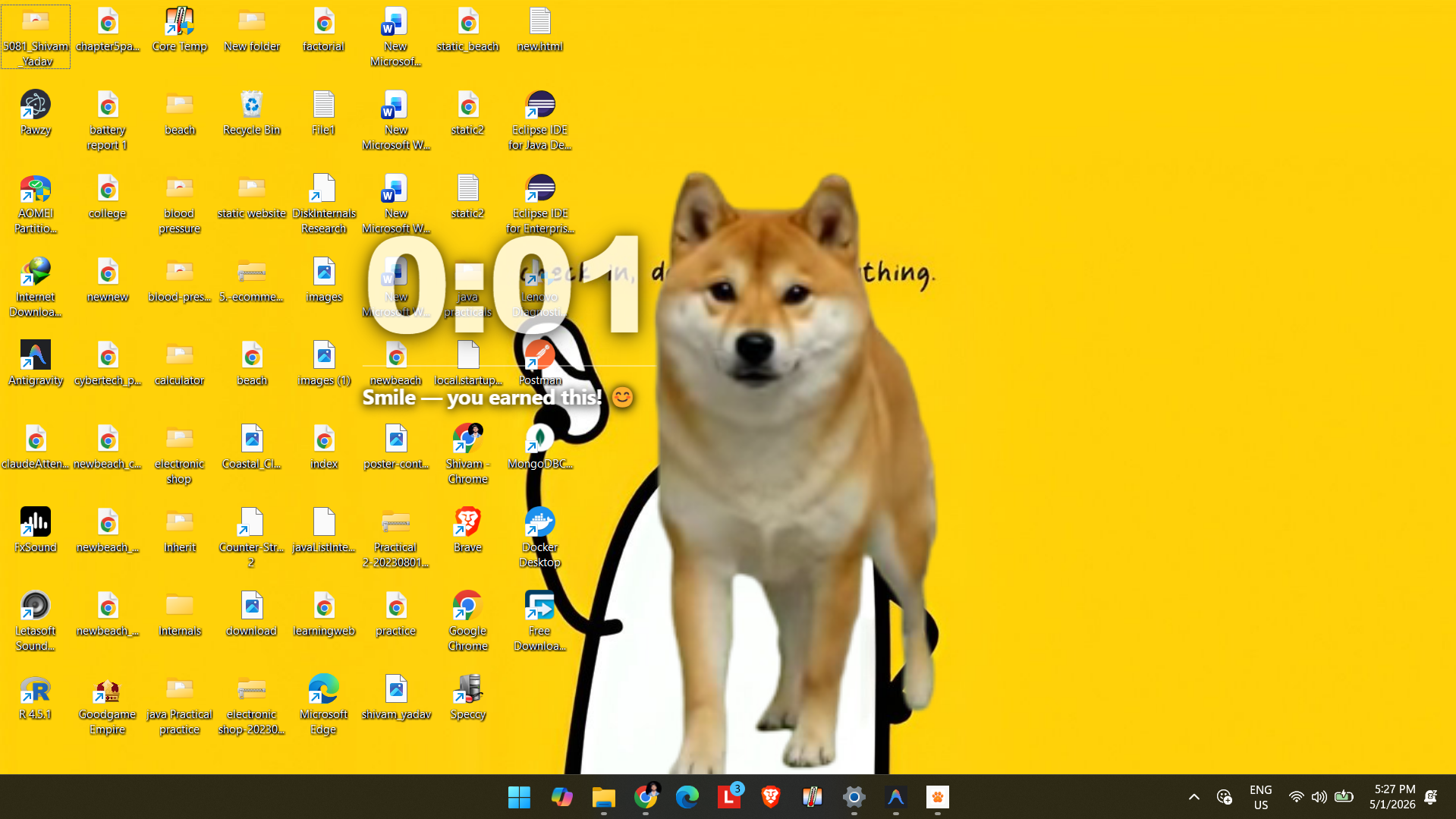
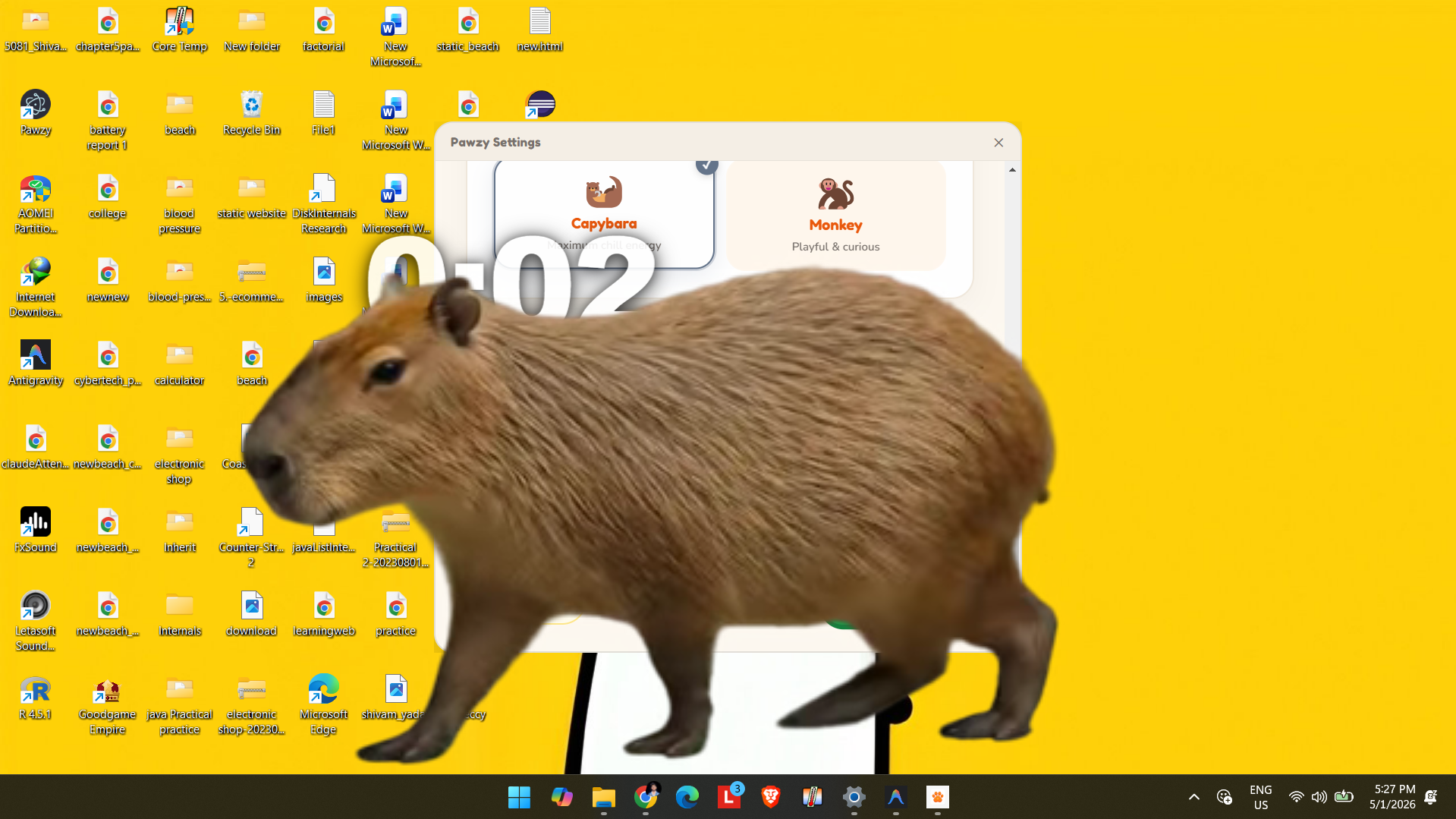
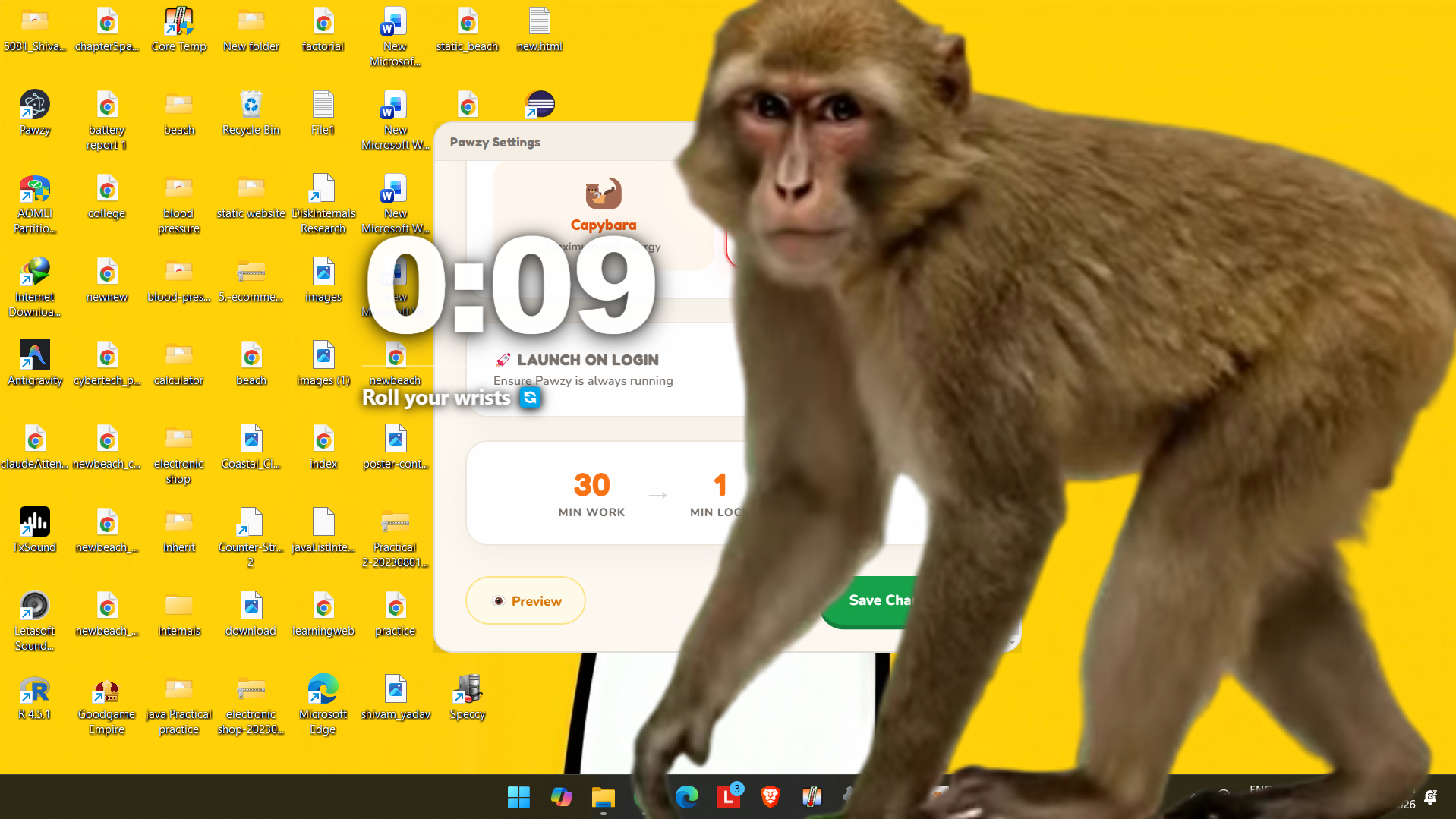
When your focus timer ends, a giant capybara, monkey, dog, or cat will physically slide over your entire screen. You cannot click behind them. You cannot open a new tab to bypass them. The only way to remove them is to wait out your break or type a tedious "I want to ruin my eyes" override code.
Is Pawzy really free?
Yes. 100% free and open source. No premium tiers, no ads, no data tracking. Just pure productivity enforcement.
Does it work on Linux and Windows?
Yes! We offer a portable Linux AppImage (works on Ubuntu, Fedora, Arch, etc.) and a standard Windows executable. macOS support is currently in development.
Is Pawzy a Cat Gatekeeper alternative?
Yes! Pawzy was directly inspired by Cat Gatekeeper. But while Cat Gatekeeper is a Chrome extension that only works on 6 specific websites, Pawzy is a full desktop app that hijacks your entire screen — covering every app, game, video, and website, regardless of which browser you use.
Can I bypass Pawzy by opening a new tab?
No. That's the key difference from browser extensions like Cat Gatekeeper. Pawzy operates at the OS level — it takes over your entire screen, not just a browser tab. There's no new-tab trick, no Alt+F4, no minimizing.
Does it work on YouTube, TikTok, Instagram?
Yes — and everywhere else. Pawzy doesn't maintain a list of "supported sites". It's a desktop application that works across your entire computer. Whatever you're doing when break time hits, Pawzy shows up.
What if I get an urgent call?
Pawzy is designed to be inescapable to build discipline, but there's a strict emergency override sequence if absolutely necessary (though we don't make it too easy!).
Does it work over fullscreen games or videos?
Yes. Pawzy runs at the OS level and will show up over most borderless/fullscreen applications when your break starts.
Is my data private?
100%. Pawzy is completely offline. It doesn't connect to any servers, has no accounts, and requires no internet access to work.